Accessible Web Design: Make Business Journeys Work for More People
TL;DR: Accessible web design creates web content and interactions that people with a range of abilities and assistive technologies can perceive, understand and operate. Choose important journeys and an applicable target. Accessibility cannot be established from visual appearance or an automated scan alone.
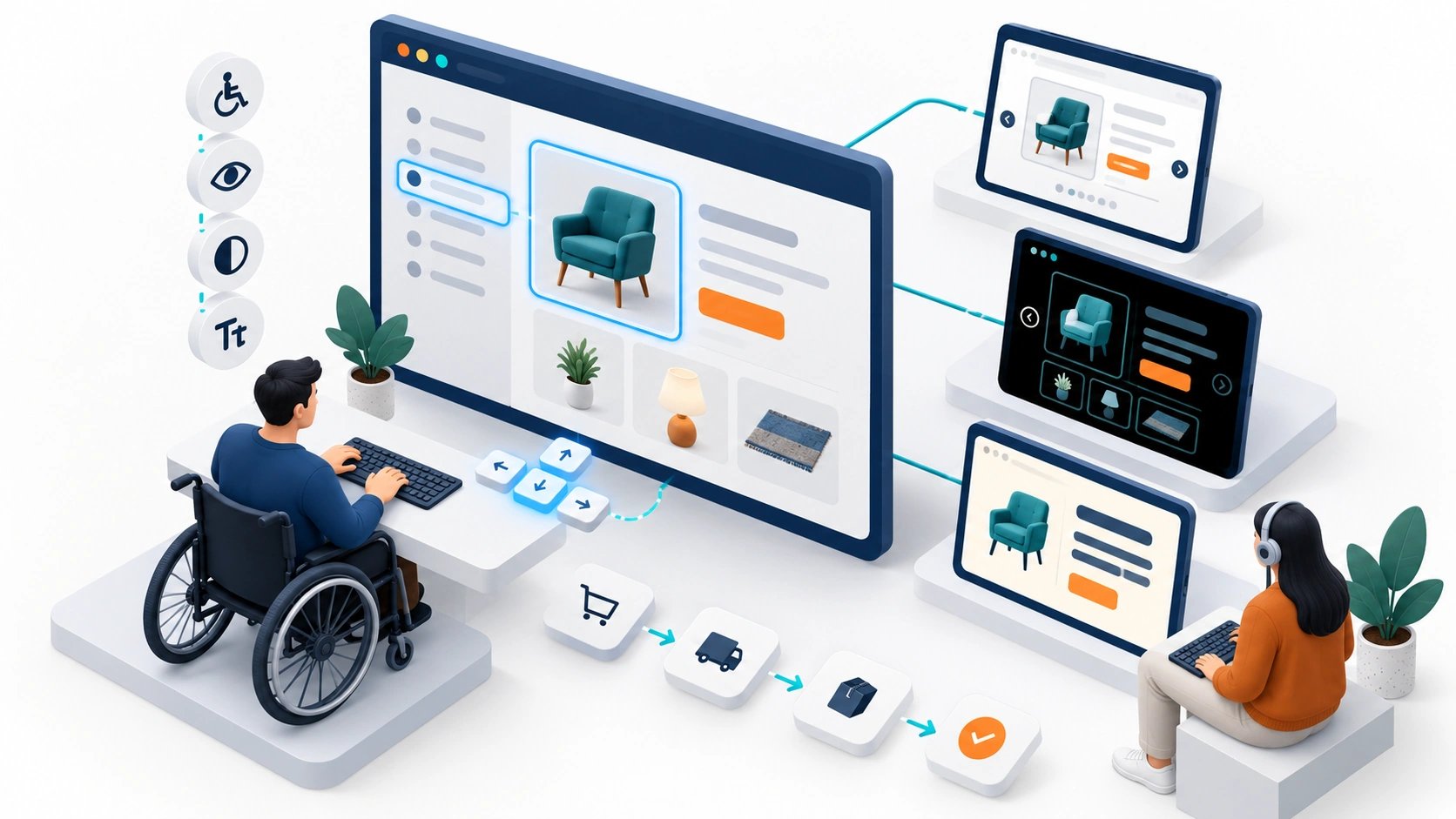
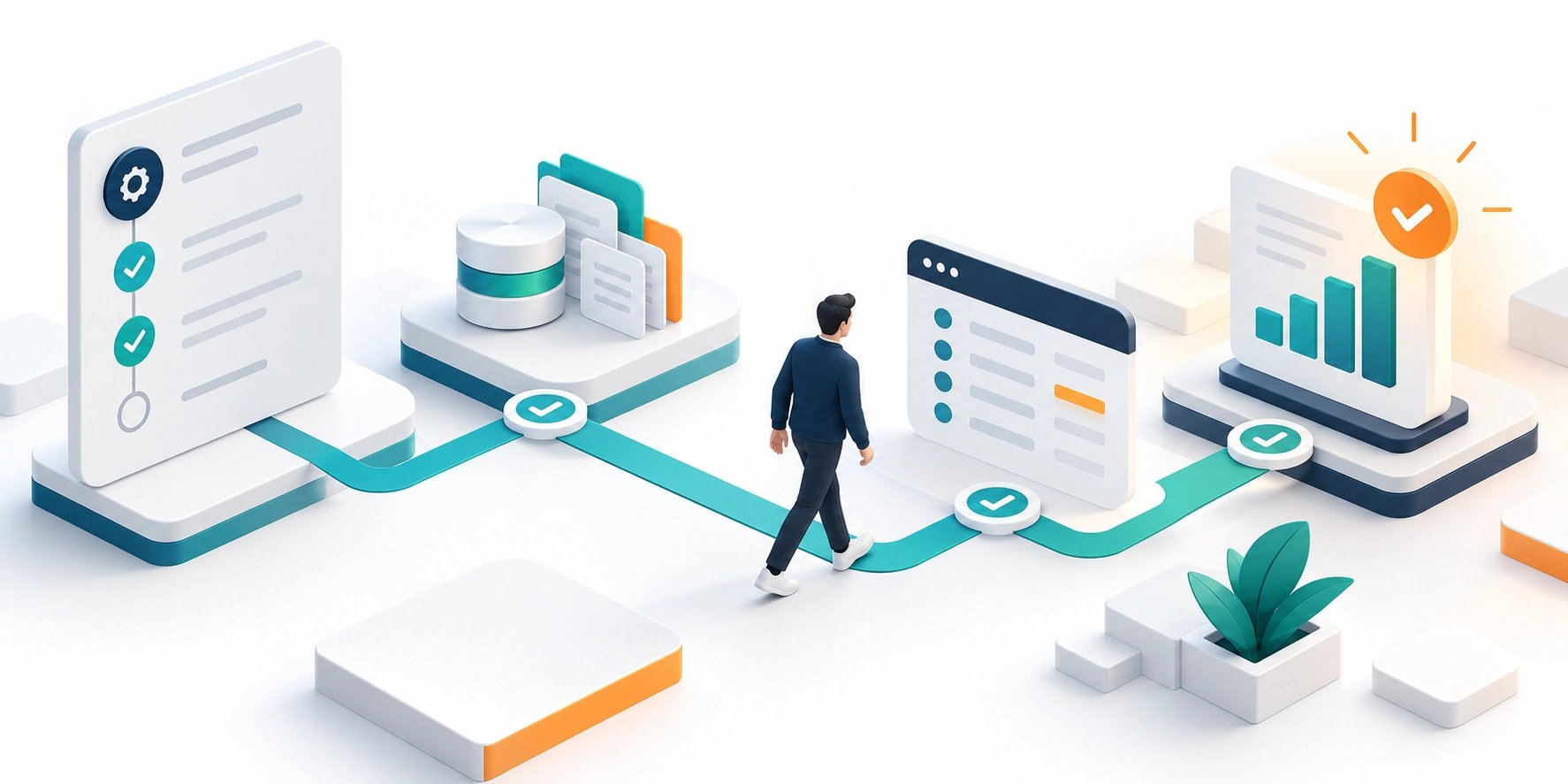
Original AI-generated editorial illustration; it depicts a concept rather than a client deployment or product screenshot.
Introduction
A customer who cannot use a form cannot complete the enquiry, however attractive the page looks. Accessibility needs to cover the entire task: navigation, instructions, validation and confirmation. Start with the journeys people rely on and test them with more than a mouse and a default desktop view. Here is how to evaluate accessible web design against that business need.
What Is accessible web design?
Accessible web design creates web content and interactions that people with a range of abilities and assistive technologies can perceive, understand and operate.
Keyboard and assistive-technology users need complete journeys. Unclear errors can block form completion. Visual polish can conceal navigation and contrast problems.
Accessibility cannot be established from visual appearance or an automated scan alone. The scope should make this distinction clear before the team commits to a solution.
Technical context: WCAG 2.2 provides testable accessibility criteria for web content and interactions. W3C: Web Content Accessibility Guidelines 2.2
Why accessible web design Matters
- Keyboard and assistive-technology users need complete journeys.
- Unclear errors can block form completion.
- Visual polish can conceal navigation and contrast problems.
How to Evaluate and Implement accessible web design
Design semantics and interaction together
Use meaningful headings, labels and controls rather than relying on appearance alone. Preserve visible focus and logical keyboard order. Make interactive elements understandable to assistive technology. Avoid assigning a complex custom interaction when a standard control meets the need. Content structure and component behaviour should be reviewed together because either can make a well-designed screen difficult to navigate.
Test forms and dynamic states
Provide clear instructions, identify errors and keep useful input after a failed submission. Announce meaningful changes where appropriate. Test menus, dialogs, validation and confirmation with keyboard and relevant assistive technologies. Check text resizing and small-screen behaviour. A static screenshot cannot reveal whether a customer is trapped in a dialog or whether an error message can be discovered.
Set a maintainable standard
Use the applicable WCAG criteria as an engineering reference and define the target with the product owner. Combine automated checks with manual testing; tools alone cannot establish complete accessibility. Include content editors and component maintainers in the process. Legal obligations depend on context and jurisdiction and require appropriate review. Avoid presenting a tool badge or an overlay as proof that every user journey is accessible.
Compare the available approaches
| Approach | Suitable starting point | Main limitation or responsibility |
|---|---|---|
| Automated checks | Find certain structural issues | Cannot judge every interaction |
| Manual task review | Inspect keyboard and behaviour | Requires informed test coverage |
| Assistive-technology testing | Observe practical compatibility | Needs representative journeys |
A practical example
A hypothetical services website redesign tests an enquiry form from navigation through confirmation. The team fixes missing labels, hidden focus and errors that erase prior input. A reusable form component carries the improvements to other pages. The assessment records tested journeys and unresolved issues rather than claiming universal accessibility from one automated scan.
An acceptance test worth running
Complete an enquiry using keyboard navigation, text enlargement and an appropriate screen reader. Trigger a validation error and verify that the user can discover and correct it without losing useful input. Check dialog focus and confirmation. Record the tested environment and unresolved findings instead of applying an unqualified accessibility label to the entire website from a small sample.
What to measure
Track successful task completion, issue severity, tested coverage and regressions across maintained components.
Use a representative baseline and record the conditions of the comparison. Agree who reviews failures and what evidence is needed before expanding the scope. For a broader view of the related delivery work, explore Webbies services.
Practical Steps for accessible web design
- Choose important journeys and an applicable target.
- Review semantics, focus and readable content.
- Test forms and dynamic states manually.
- Record issues and maintain accessible components.
Prepare a useful project brief
| Decision | What to establish |
|---|---|
| Audience | business website and digital-product owners |
| First boundary to agree | Choose important journeys and an applicable target. |
| Evidence of useful performance | Track successful task completion, issue severity, tested coverage and regressions across maintained components. |
| Estimate dependency | Journey complexity, custom widgets, content volume and required test coverage determine effort. |
Bring sample inputs and an example of an exception to the first discussion. Separate confirmed requirements from assumptions, and identify who can supply missing information. The brief should let a delivery team explain what it needs to investigate before making a detailed commitment.
Common Mistakes to Avoid
- Treating a passing scanner score as full conformance.
- Removing focus indicators for appearance.
- Relying on placeholders instead of labels.
Frequently Asked Questions
What does accessible web design mean in a business project?
Accessible web design creates web content and interactions that people with a range of abilities and assistive technologies can perceive, understand and operate.
How should a team begin evaluating website accessibility audit?
Choose important journeys and an applicable target. Review semantics, focus and readable content.
How do we measure whether accessible business website is useful?
Track successful task completion, issue severity, tested coverage and regressions across maintained components.
What affects the cost or timeline of accessible web design?
Journey complexity, custom widgets, content volume and required test coverage determine effort. A delivery estimate should follow a review of these dependencies.
What is a common misconception about accessible web design?
Accessibility cannot be established from visual appearance or an automated scan alone.
Conclusion
Accessibility belongs across the complete task, including errors and confirmation. Combine standards-based checks with practical testing and maintain the resulting components. Review accessibility across a business journey with Webbies.
Sources and further reading
- W3C: Web Content Accessibility Guidelines 2.2 — primary technical reference, checked during research on 30 October 2026.
Discuss your project
Review accessibility across a business journey. Share the current workflow, intended users, existing systems and the decision you need to make; the next step can be a 20–30 minute discovery discussion.