
Dealer Management App: Connect Orders, Pricing and Field Teams
TL;DR: A dealer management app connects dealer accounts with selected ordering, pricing, service and field-sales workflows. Map account roles and authority. An app cannot resolve inconsistent commercial policies until the business agrees its governing rules.
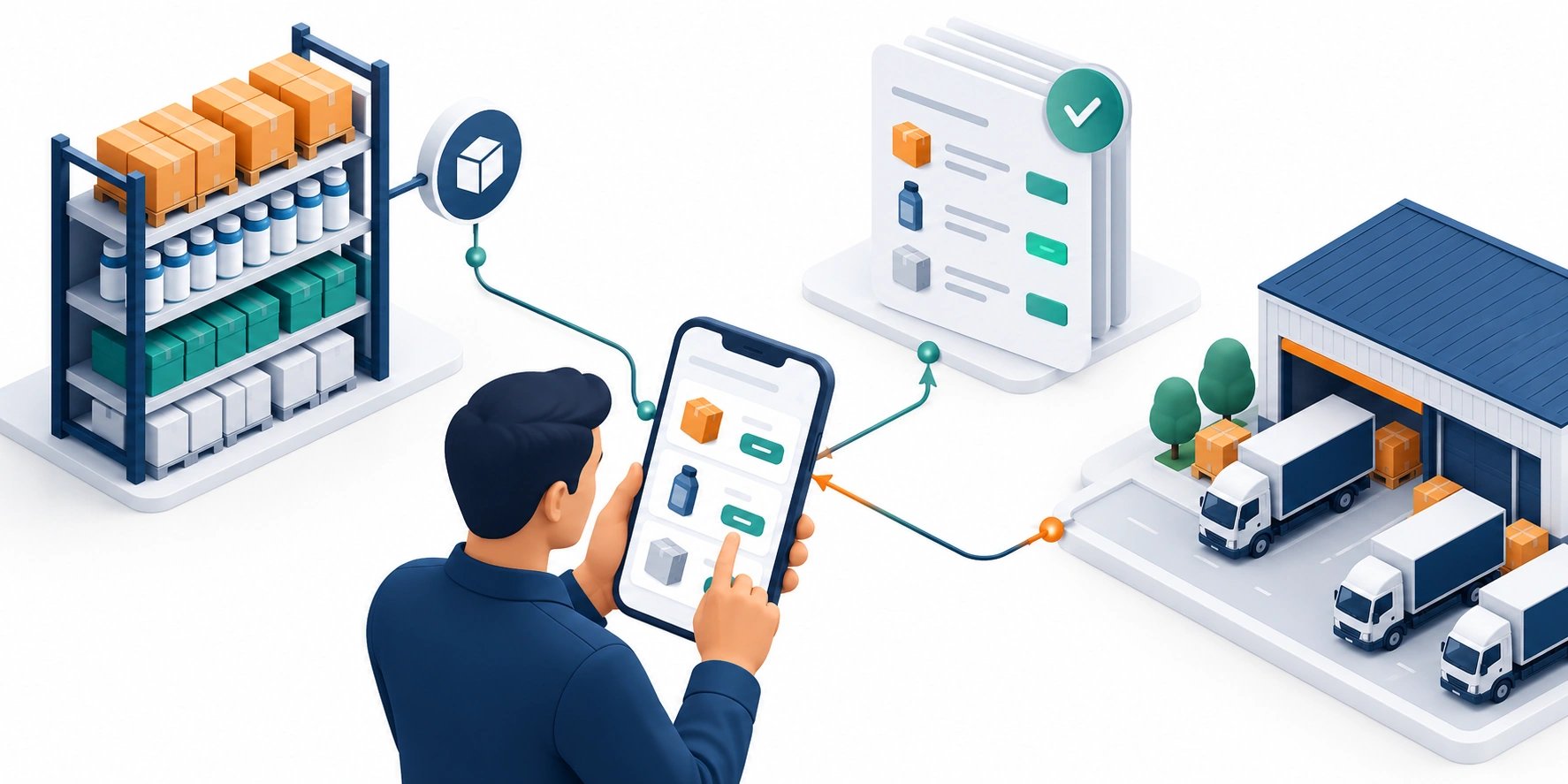
Original AI-generated editorial illustration; it depicts a concept rather than a client deployment or product screenshot.
Introduction
An order arrives by message, a salesperson confirms a special price and the warehouse uses another stock report. A dealer app can make that process clearer if the underlying commercial rules are agreed. It needs to show who can act and whether a submitted request has actually been accepted. Here is how to evaluate dealer management app against that business need.
What Is dealer management app?
A dealer management app connects dealer accounts with selected ordering, pricing, service and field-sales workflows.
Terms vary across accounts. Stock visibility is not reservation. Field teams need understandable approval status.
An app cannot resolve inconsistent commercial policies until the business agrees its governing rules. The scope should make this distinction clear before the team commits to a solution.
Technical context: AWS explains that retries can repeat side effects unless operations are designed for safe repetition. AWS: Idempotency and retries
Why dealer management app Matters
- Terms vary across accounts.
- Stock visibility is not reservation.
- Field teams need understandable approval status.
How to Evaluate and Implement dealer management app
Model commercial authority
Separate organisations, branches and users. Define who may view prices, create requests and approve purchases. Retrieve commercial terms from their authoritative source rather than reproducing them in the interface. Explain credit, quantity and special-price review states. Account-specific entitlements must not expose another dealer's information through search or downloadable records.
Separate submission and acceptance
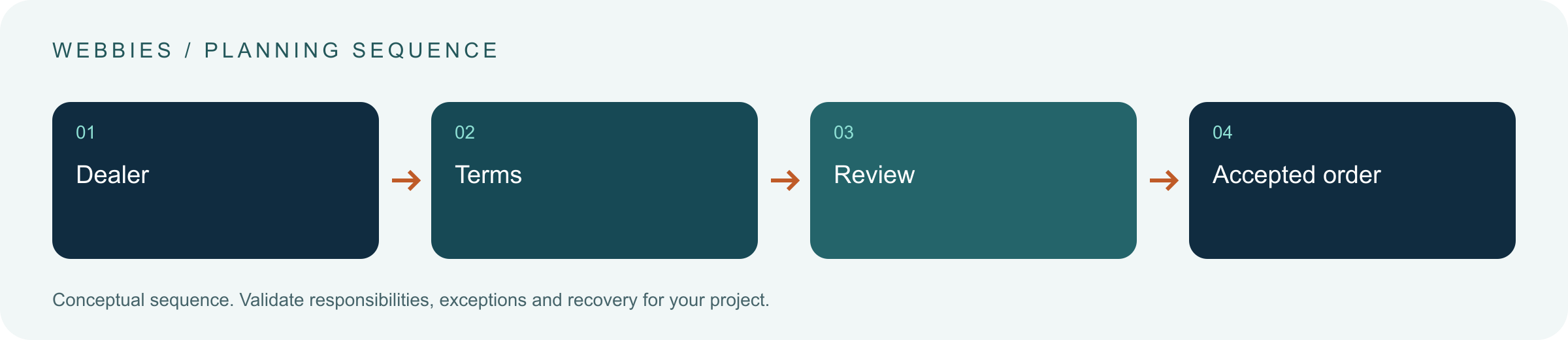
Define draft, submitted, review, accepted and fulfilment states around the actual process. Clarify when stock is checked or reserved. Give submissions stable references and protect against repeated taps and retries. If the ERP rejects a request, preserve it with a useful reason. A successful screen transition does not prove that operations accepted the order.
Support exception owners
Give staff a queue for approvals, missing information and dealer enquiries. Preserve notes and override reasons. If offline drafts are supported, label them and revalidate terms during sync. Review manual steps before reproducing them in software: some preserve necessary business controls, while others are avoidable coordination. The app should make this difference visible.
Compare the available approaches
| Approach | Suitable starting point | Main limitation or responsibility |
|---|---|---|
| Messaging | Familiar intake | Manual interpretation |
| Dealer portal | Browser account access | Integration discipline |
| Dealer app | Frequent field interaction | Sync and release ownership |
A practical example
A hypothetical distributor pilots catalogue browsing and order requests in one region. The ERP owns account terms and acceptance. Credit exceptions go to finance, and representatives can inspect status without promising an unconfirmed dispatch. The pilot measures correct handoffs and exception resolution rather than app installations.
An acceptance test worth running
Submit an order from a dealer branch with limited approval authority. Repeat the tap during a connection interruption and change a price before sync. Check duplicate prevention, revalidation and a visible review state. An operations user should be able to explain why the order is waiting and which person may resolve it without reading raw integration logs.
What to measure
Track ERP acceptance, duplicates, approval delay and dealer task completion.
Use a representative baseline and record the conditions of the comparison. Agree who reviews failures and what evidence is needed before expanding the scope. For a broader view of the related delivery work, explore Webbies services.
Practical Steps for dealer management app
- Map account roles and authority.
- Choose pricing, stock and order masters.
- Define acceptance and rejection states.
- Pilot representative dealers and inspect failed handoffs.
Prepare a useful project brief
| Decision | What to establish |
|---|---|
| Audience | manufacturers supporting dealer networks |
| First boundary to agree | Map account roles and authority. |
| Evidence of useful performance | Track ERP acceptance, duplicates, approval delay and dealer task completion. |
| Estimate dependency | Commercial variation, account hierarchy, ERP access and offline requirements drive scope. |
Bring sample inputs and an example of an exception to the first discussion. Separate confirmed requirements from assumptions, and identify who can supply missing information. The brief should let a delivery team explain what it needs to investigate before making a detailed commitment.
Common Mistakes to Avoid
- Calling submitted orders accepted.
- Duplicating pricing logic.
- Ignoring reconnect duplicates.
Frequently Asked Questions
What does dealer management app mean in a business project?
A dealer management app connects dealer accounts with selected ordering, pricing, service and field-sales workflows.
How should a team begin evaluating dealer ordering app?
Map account roles and authority. Choose pricing, stock and order masters.
How do we measure whether distribution sales software is useful?
Track ERP acceptance, duplicates, approval delay and dealer task completion.
What affects the cost or timeline of dealer management app?
Commercial variation, account hierarchy, ERP access and offline requirements drive scope. A delivery estimate should follow a review of these dependencies.
What is a common misconception about dealer management app?
An app cannot resolve inconsistent commercial policies until the business agrees its governing rules.
Conclusion
Dealer software should clarify account terms, order acceptance and exception ownership. Keep commercial authority in the agreed business systems rather than duplicating it across interfaces. Map a dealer-app scope with Webbies.
Sources and further reading
- AWS: Idempotency and retries — primary technical reference, checked during research on 30 October 2026.
Discuss your project
Map a dealer-app scope. Share the current workflow, intended users, existing systems and the decision you need to make; the next step can be a 20–30 minute discovery discussion.