Product design and development
TL;DR: Product design and development turns a user problem into a working product. Agree on the task, test a focused prototype and define a first release with clear content, integration and review requirements.
Rewritten and updated from Product Design And Development, originally published . Original archive byline: magic213.
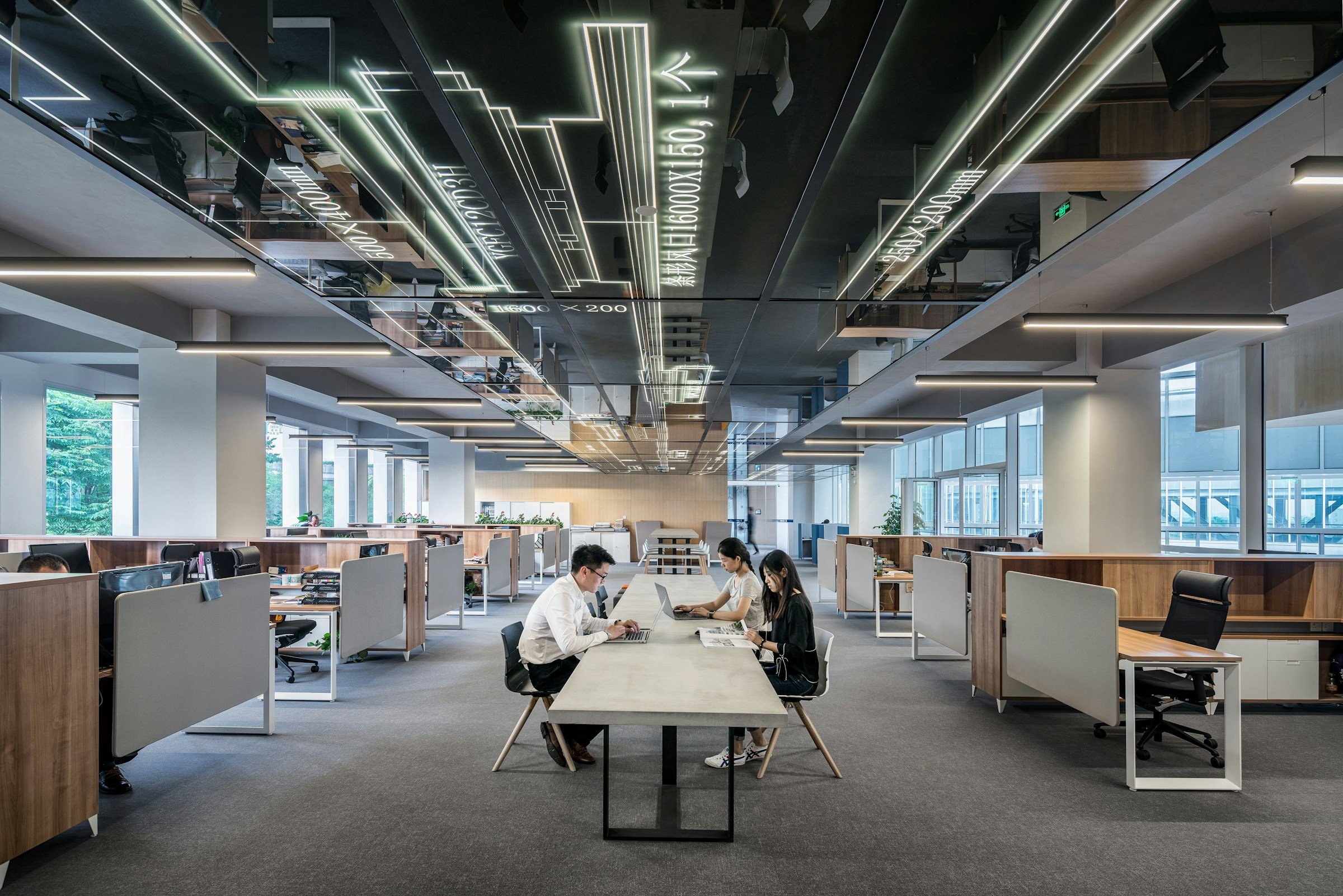
Photography by LYCS Architecture / Unsplash
Introduction
Product design and development is the process of understanding a user problem, shaping a solution and building it into a usable product. For a digital team, that means connecting research, interface design and engineering. This guide explains the decisions to make before expanding an app or website into a long feature list.
From problem to product
A product brief needs to explain who the product serves, what they need to do and why the current experience falls short. Design explores the proposed journey. Development connects that journey to working information, controls and systems.
For example, a colour visualiser needs more than a preview screen. It needs a way to choose an image, select a shade, understand the result and try another option. Those decisions belong in the same product conversation.
Define the problem
A clear problem gives stakeholders, designers and developers a shared basis for comparing ideas. Record the audience, task and constraints before choosing the platform or adding features.
- A clear audience gives research and design a concrete starting point.
- An agreed problem helps the team discuss priorities and trade-offs.
- A tangible prototype makes feedback more specific than a list of possible features.
- Realistic examples make it easier to assess whether the proposed experience is useful.
- A defined first release separates immediate needs from questions to explore later.
Explore, test and build
Move between research, sketching, prototyping and technical review as the team learns. Each activity should resolve a question that affects what gets built.
Understand the people and the situation
Ask how the task is completed today, what people use and where they need help. Include the setting and any work that happens outside the proposed interface. An enquiry tool, for example, is connected to the people who review the enquiry and the information they need to respond.
Record observations separately from assumptions. A team may believe that a particular feature is essential, but that belief still needs a reason connected to the task. Discuss which questions need research and which can be explored through a quick prototype. This keeps the process focused on the decisions ahead.
Make the proposed experience tangible
Sketch the main journey and the information it requires. Give the team something to walk through, including the beginning, the important choices and the feedback after an action. Early work can remain deliberately simple while the structure is still being discussed.
Choose the form of the prototype around the question. A sketch may be enough to compare page structures; an interactive flow may be more useful for examining navigation. Mark what is still assumed, particularly around integrations or device behaviour. A prototype should make the discussion clearer without implying that the finished system has already been verified.
Review evidence and define the release
Observe how representative people attempt the task and record where the experience needs work. Include confusing inputs, interruptions and recovery. A successful demonstration of one route does not answer every question about how a product will behave in use.
Bring what you learn into release planning. Agree on the scope, content, integrations and checks needed for the first version. Identify who maintains the product and which questions real use should help answer next. GOV.UK’s discovery guidance is useful further reading on understanding a problem before committing to a service.
| Activity | What it helps clarify | Typical output |
|---|---|---|
| Research | The people, task and current difficulty | A shared problem definition |
| Sketching | Possible structures or interactions | Ideas the team can compare |
| Prototyping | How a proposed journey behaves | A task that people can try |
| Development | How the product works in its environment | An implementation ready for appropriate checks |
Plan the first release
Define the smallest release that supports a complete task. Include content, integrations, testing and ownership alongside the interface.
- Name the person and the task. Explain who the product is for and what they need to accomplish. Describe the current difficulty with a real example where possible.
- Share the working context. Bring existing tools, source material and known constraints into the conversation. Include the people who handle the task before and after the interface is used.
- Identify the important unknowns. List assumptions about the audience, content and technical behaviour. Decide which questions need research or a prototype before the scope is settled.
- Explore a focused journey. Sketch or prototype one important task. Review the decisions, feedback and recovery route rather than only the appearance of the main screen.
- Agree on the next stage. Use what you learn to define priorities, responsibilities and the release scope. Keep unresolved questions visible so the estimate reflects the work still needed.
Avoid scope drift
Keep the agreed task visible during reviews. When a new request appears, ask what it changes for the user and what extra design, content or engineering it requires.
- Choosing the platform or feature set before understanding the task.
- Treating stakeholder approval as the only review the proposed journey needs.
- Polishing visual detail while important content or integration questions remain unresolved.
- Assuming a prototype contains all the work required for a reliable release.
- Making broad claims about business results without evidence from the actual product and context.
Frequently asked questions
What is the difference between product design and development?
Product design shapes the problem, information and interaction. Development implements the working experience within the project’s constraints. The activities should inform one another throughout the work.
Should a product project always start with an app?
The platform should follow the task and the setting in which it will be used. A website, an existing tool or a narrower change may suit some needs. Explore the problem before committing to a platform.
What is the purpose of a product prototype?
A prototype helps the team examine a proposed experience and answer specific questions. Its detail should match the decision being reviewed. It should be clear which behaviours are demonstrated and which still need implementation or verification.
How much does digital product development cost?
The estimate depends on the scope, content, integrations and review needed. Share the task, constraints and intended first release so the team can define the work. A feature list alone may leave important requirements unresolved.
Does a structured process guarantee a successful product?
A structured process helps a team make and review decisions, but outcomes still depend on the product and its context. Agree on what needs to be learned and how the released experience will be assessed. Use the evidence to guide further improvements.
Conclusion
Start with a shared problem, make the journey tangible and use the prototype to shape a realistic first release. Explore our app development services and Berger My Colour project to see how design and development connect.